Creating a Docker Image for SSR with Svelte

Create a Server-Side SvelteKit Application, Fetch Data from an API Server, and Convert It to a Docker Image
In this guide, we will use SvelteKit to create a program that fetches data from another API server on the server side, renders HTML, and returns it. Finally, we will convert it into a Docker image.
Setting Up Svelte
Refer to the official documentation: Creating a Project
npm create svelte@latest my-ssr-app
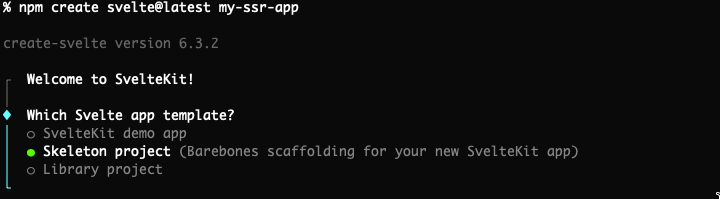
Select Skeleton project.
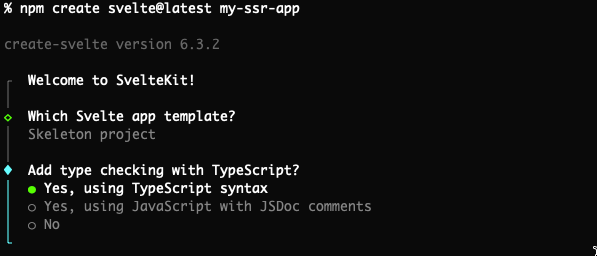
Select Yes, using TypeScript syntax.
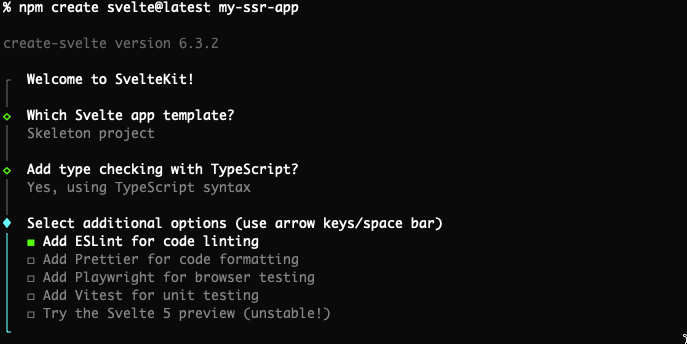
Choose options as per your preference.
Next steps:
  1: cd my-ssr-app
  2: npm install
  3: git init && git add -A && git commit -m "Initial commit" (optional)
  4: npm run dev -- --open
Execute as instructed.
If you are using asdf, create a .tool-versions file.
echo 'nodejs 20.10.0' > my-ssr-app/.tool-versions
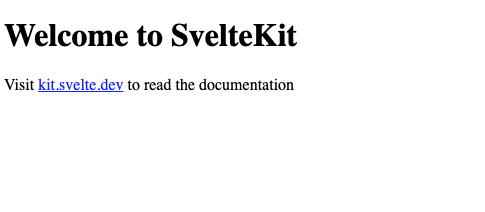
Test execution:
npm run dev -- --open
Writing Code
Write files under the src/routes directory.
Create src/routes/+page.server.ts
We will fetch dummy data from JSON Placeholder.
src/routes/+page.server.ts
export async function load() {
    const res = await fetch('https://jsonplaceholder.typicode.com/posts/1');
    if (!res.ok) {
        throw new Error('Failed to fetch data');
    }
    return {
        postEntry: await res.json()
    };
}
Modify src/routes/+page.svelte
Use the data fetched on the server side.
src/routes/+page.svelte
<script lang="ts">
    export let data;
    const postEntry = data.postEntry;
</script>

<h1>Post #1</h1>

<div>
    <h2>{postEntry.title}</h2>
    <p>{postEntry.body}</p>
</div>
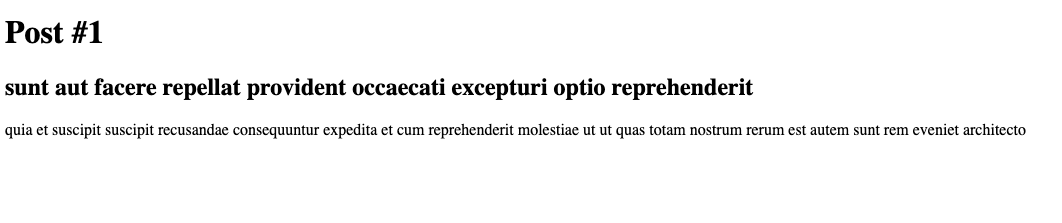
Confirm Operation
By viewing the generated HTML, you can confirm that SSR is functioning.

Set Up Build Environment for Node
Refer to: Node Adapter Documentation
npm i -D @sveltejs/adapter-node
Modify svelte.config.js:
import adapter from '@sveltejs/adapter-auto';
to
import adapter from '@sveltejs/adapter-node';
Build
npm run build
Confirm the Build
cd build
node ./
You should see:
Listening on 0.0.0.0:3000
Open http://127.0.0.1:3000 in your browser.
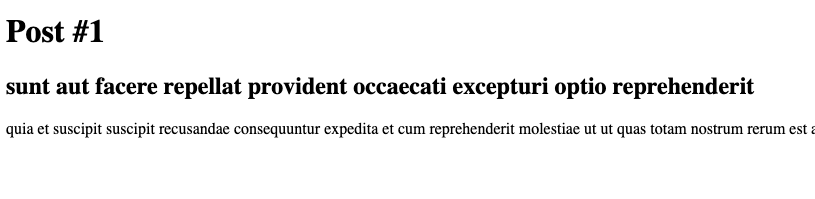
Write the Dockerfile
Dockerfile
FROM node:bookworm-slim

COPY ./build /app
COPY ./package.json /app/

WORKDIR /app

EXPOSE 3000

CMD ["node", "./"]
Build the Docker Image
docker build . -t my-ssr-app:latest
Run the Docker Container
docker run -p 3000:3000 my-ssr-app
You should see:
Listening on 0.0.0.0:3000
Open http://127.0.0.1:3000 in your browser.
We look forward to discussing your development needs.