Writing TextToSpeech in Browser Using Async Function
2023-05-03 02:47 (3 years ago)
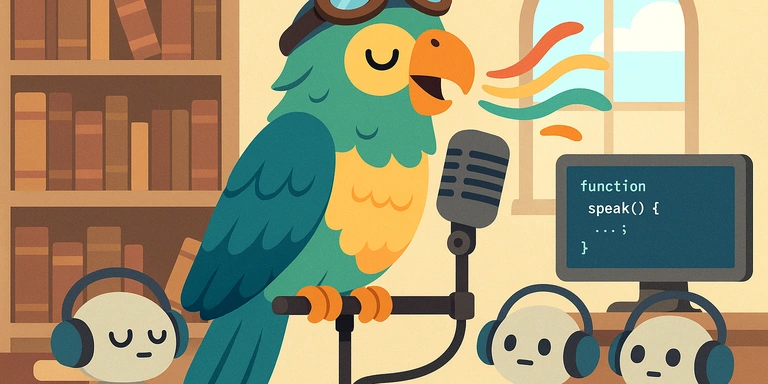
Here's the English translation of the provided Japanese blog article:
This code uses the await keyword with the speech method of SpeechSynthesisUtterance.
It performs the text-to-speech processing in a synchronous manner in a web browser.
However, please note that due to browser security reasons, you cannot make it automatically speak as soon as the browser is opened. The user must click a button or perform some action on the page at least once for the speech synthesis to work.
function asyncSpeak(text) {
  const ssu = new SpeechSynthesisUtterance();
  ssu.text = text;
  ssu.lang = 'en-US';
  speechSynthesis.speak(ssu);
  return new Promise((resolve, reject) => {
    ssu.onend = () => {
      resolve();
    };
  });
}

async function onStarted() {
  await asyncSpeak('one two three four five six seven eight nine ten');
  console.log('end');
}
Please rate this article (No signup or login required)
Currently unrated
The author runs the application development company Cyberneura.
We look forward to discussing your development needs.
We look forward to discussing your development needs.